
Revit add-in
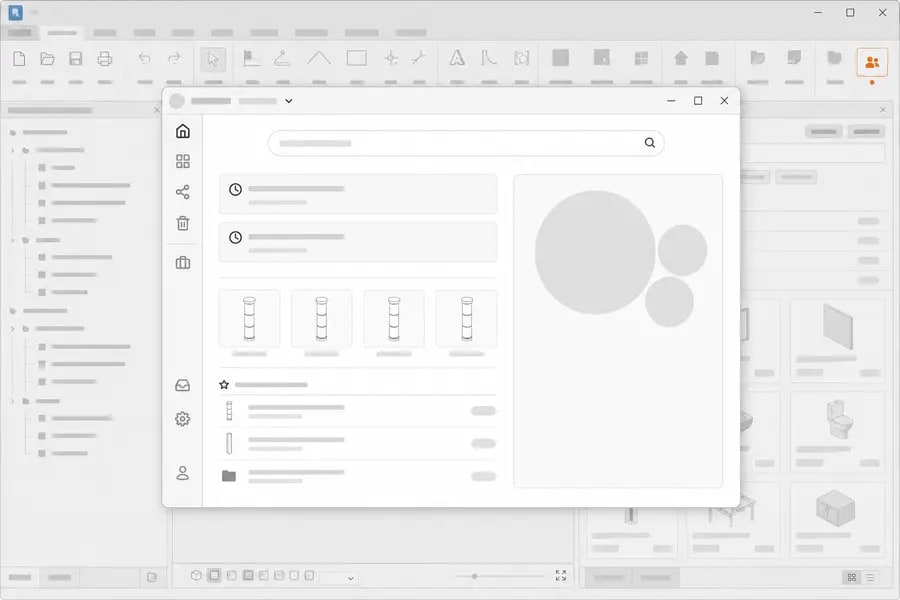
Use your family library inside Revit
Load family content without hunting through network folders. The add-in is built for Revit 2022 – 2027 and connects to the same library you use on the web.
You need an OceanBIM Family Manager account to sign in from the add-in. The Free plan is enough to get started.
What the add-in does
- Sign in to your library from Revit
- Browse categories and search your families
- Load a family into the open model
- Upload families and publish new versions
Prefer to work in the browser? Everything above is also available in the web application.
Installing the add-in
Download the installer
Get the current release from the OceanBIM releases page. Each release lists its version and file size.
Run the installer
Close Revit first. The installer registers the add-in for the Revit versions it detects on your machine.
Sign in from Revit
Open Revit and find Family Manager on the OceanBIM ribbon tab. Sign in with the same account you use on the web.
Trouble installing? Email contact@oceanbimcloud.com with your Revit version and the error you saw, or use the contact form.
Requirements
Revit versions
Revit 2022 – 2027
Operating system
Windows, matching the requirements of your Revit installation.
Account
An Family Manager account on any plan, including Free.
Add-in questions
Get the add-in and your library in one place
Create a free account, install the add-in, and load approved families straight into your model.