
Getting started
Create an account, upload your first family and find it again.
Work in progress
This takes about five minutes and needs no credit card.
Create your account
Create a free account with your email address and a password of at least 8 characters (a number or a symbol makes it safer), or choose Sign in with Google. With email, we send a confirmation email; follow the link in it to finish signing up.

Upload your first family
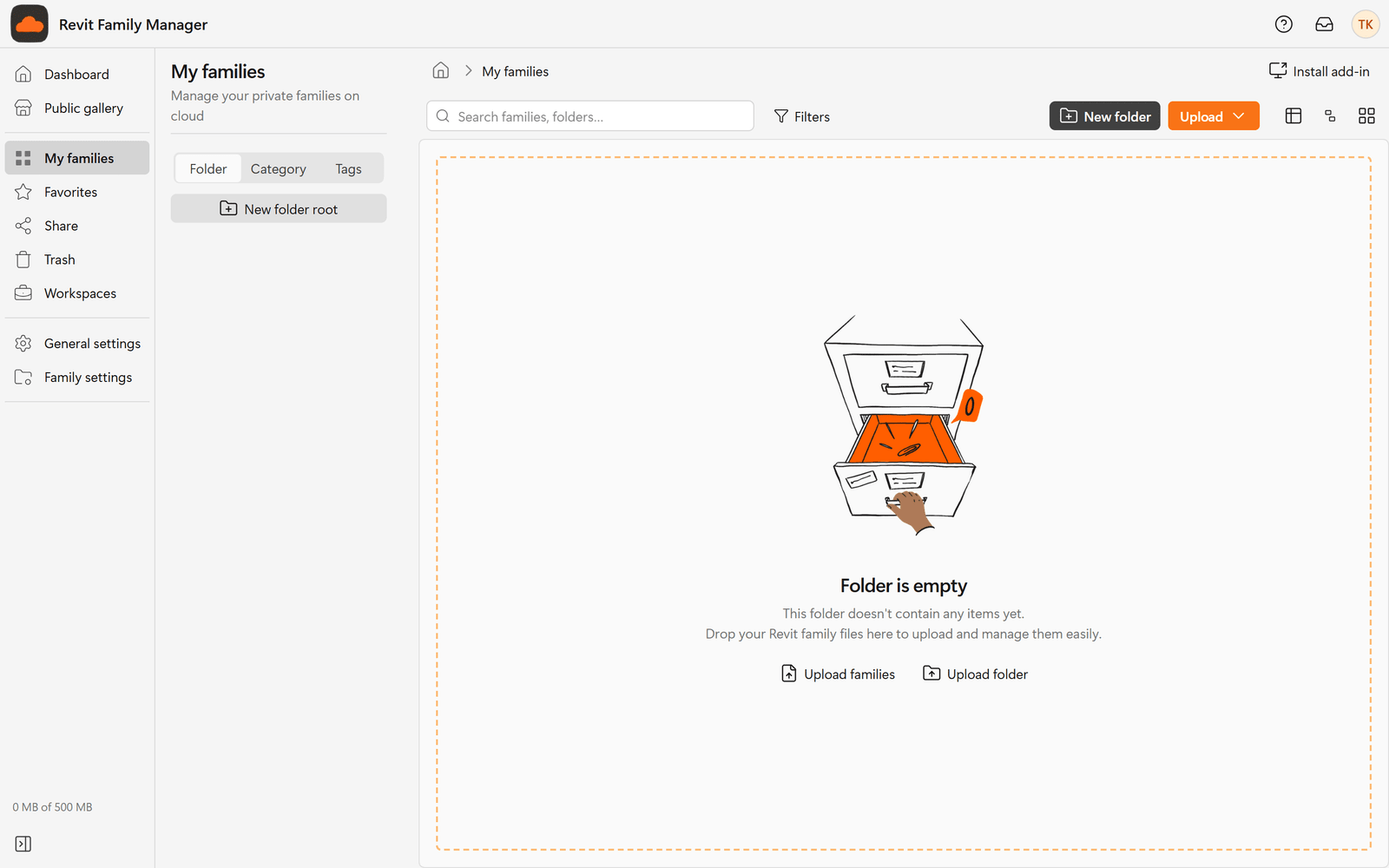
Open My families. A new library is empty and says Folder is empty. Choose
Upload families (or Upload folder to bring in a whole folder) and select
one or more .rfa files. Details are in
Upload families.
Put it in order
Group families into folders, categories and tags so the whole team can find them. See Organize your library.
Optional: install the Revit add-in
Load families straight into your model without leaving Revit. See Install the add-in.
What a new account has
- A personal library, My families, which starts empty. Only you can see it.
- A Dashboard that shows your recently used and favorite families and your categories. Until you upload something it offers Upload families, Import folder and Browse sample data. Browse sample data opens the public gallery; it adds nothing to your library, so it uses no storage.
- The Free plan. See Plans and storage.
- No workspace yet. A workspace is a shared library for a team: create one from Workspaces with Create workspace when you want to work with other people. See Workspaces and roles.
TODO — Confirm before publishing
- Whether signing up with Google skips the confirmation email.